
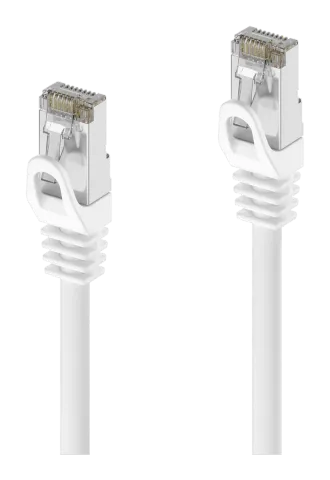
IQ-PC1002-010
Cat.6a Patch Cable, RJ45, S/FTP, LSZH - 1.00m, white
The Cat.6a Patch Cable, RJ45, S/FTP, LSZH - 1.00m, white (IQ-PC1002) is a network cable designed for high-speed data transmission with up to 500MHz bandwidth, supporting 10GBase-T Ethernet and HDBaseT. It complies with …
ManualFAQSpecificationsDatasheetCE declaration ↗FAQ
What is the intended use and application of these patch cables?+–
Any use other than that described in the Category Description and Function is not permitted. These patch cables may only be used for indoor networking applications within controlled environments. Failure to observe and comply with these regulations and safety instructions may result in network disruptions and potential damage to equipment and data.
What devices are these patch cables designed to connect?+–
This product is a patch cable designed for connecting network devices, such as computers, routers, and switches. It is used to transmit data signals between these devices, allowing for efficient and reliable network communication.
What safety instructions should be followed when using the product?+–
Read the user manual completely and carefully before use. The user manual must be available for uncertainties and passing the product. Do not make any changes to the product. As a result, you lose any warranty claims.
How should the product be handled to prevent damage?+–
Do not drop the product or subject them to violent shocks. Keep the product away from sharp objects to prevent cuts or abrasions. Avoid extreme loads such as heat and cold, wetness and direct sunlight, microwaves as well as vibrations and mechanical pressure.
What should be done if the product becomes defective?+–
A defective product must not be put into operation, but must be secured against unintentional further use.