
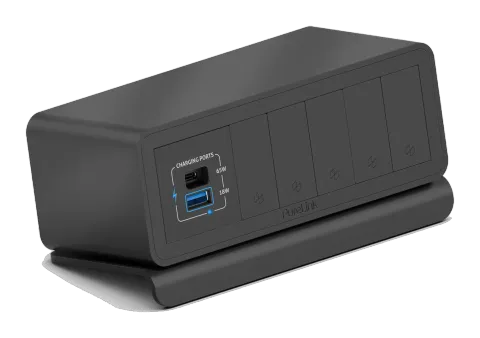
Power Options
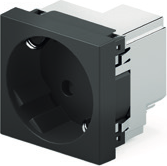
If your mediahub2 is fitted with a power socket, please read the additional safety and usage instruction for that model before use or installation.
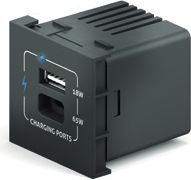
If your mediahub2 comes with a power delivery module, it is capable of 65W of USB-C power delivery and 18W Quick Charge via the USB-A port. When both ports are used simultaneously, then each port independently provides 5V 3A only.
USB-C:
5V 3A, 9V 2A, 12V 3A, 15V 3A, 20V 3.25A
USB-A:
5V 3A, 9V 2A, 12V 1.5A
USB-C and USB-A:
5V 3A

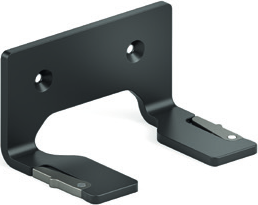
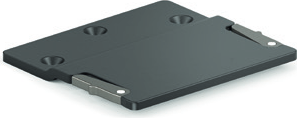
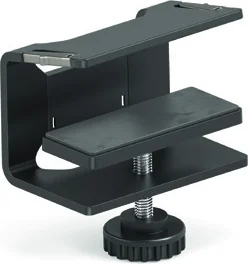
On Wall Mount / On Table Mount / Under Desk Mount / Mounting Options
Your mediahub2 is out-of-box ready in its free-standing configuration. However, there are also three semi-permanent mounting options available to choose from. For more information on how to mount mediahub2, please scan the QR code below.
Module Insertion
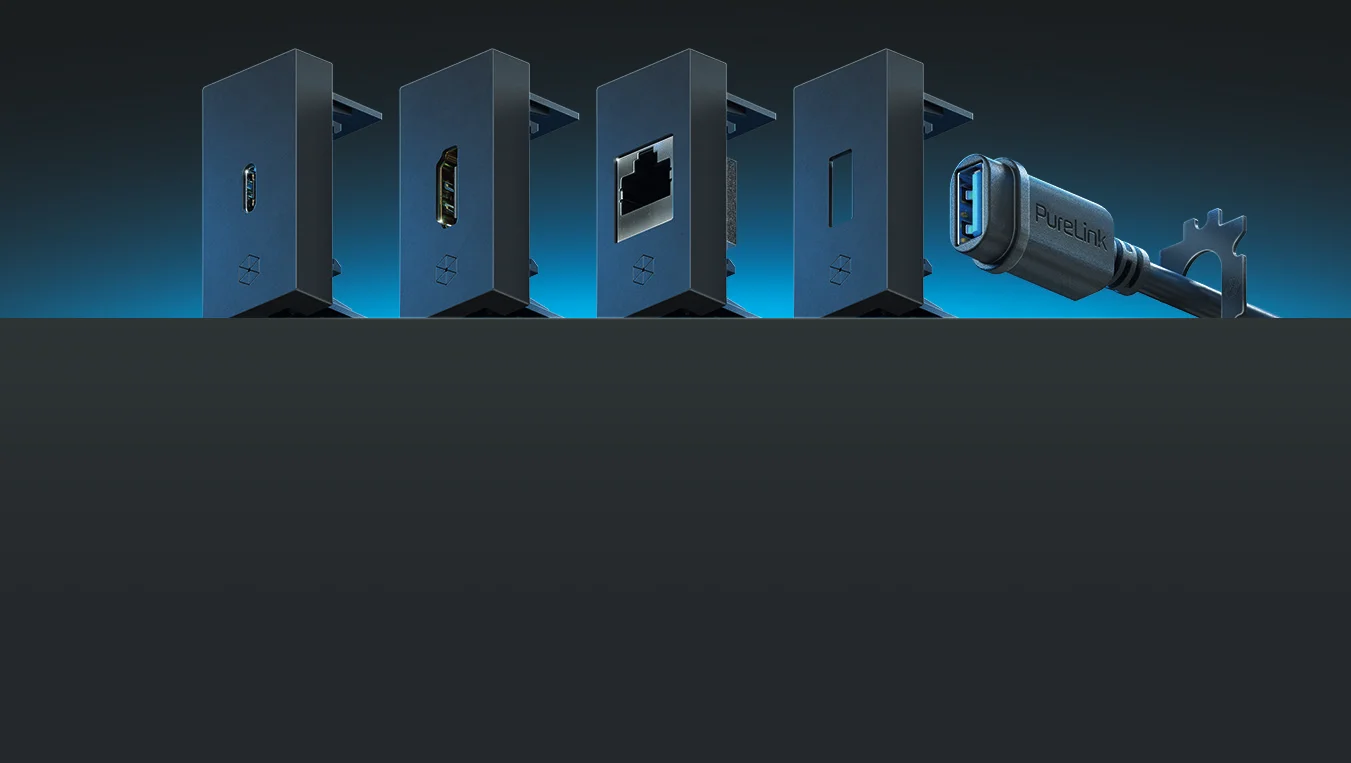
Your mediahub2 comes with user configurable media slots. If no media ports are required, the blank covers that are shipped with your mediahub2 can be fully inserted. Simply remove the card insert from inside of the housing, re-insert each blank cover individually and press firmly on each blank until it is firmly clicked into place. To assemble individual cables and covers, please follow the guides that accompany those accessories.
Click
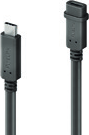
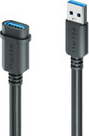
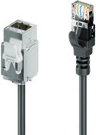
Female to Male Connection
USB-C | USB-A | HDMI | CAT
0.50m to 3.00m
Female to Female Connection
USB-A | HDMI | CAT
0.30m to 0.50m
M2 Dock
If your mediahub2 is fitted with the docking module, then it is out-of-the box ready to connect to your devices and de-clutter your working environment with single-cable
simplicity. / mediahub2 – Dock
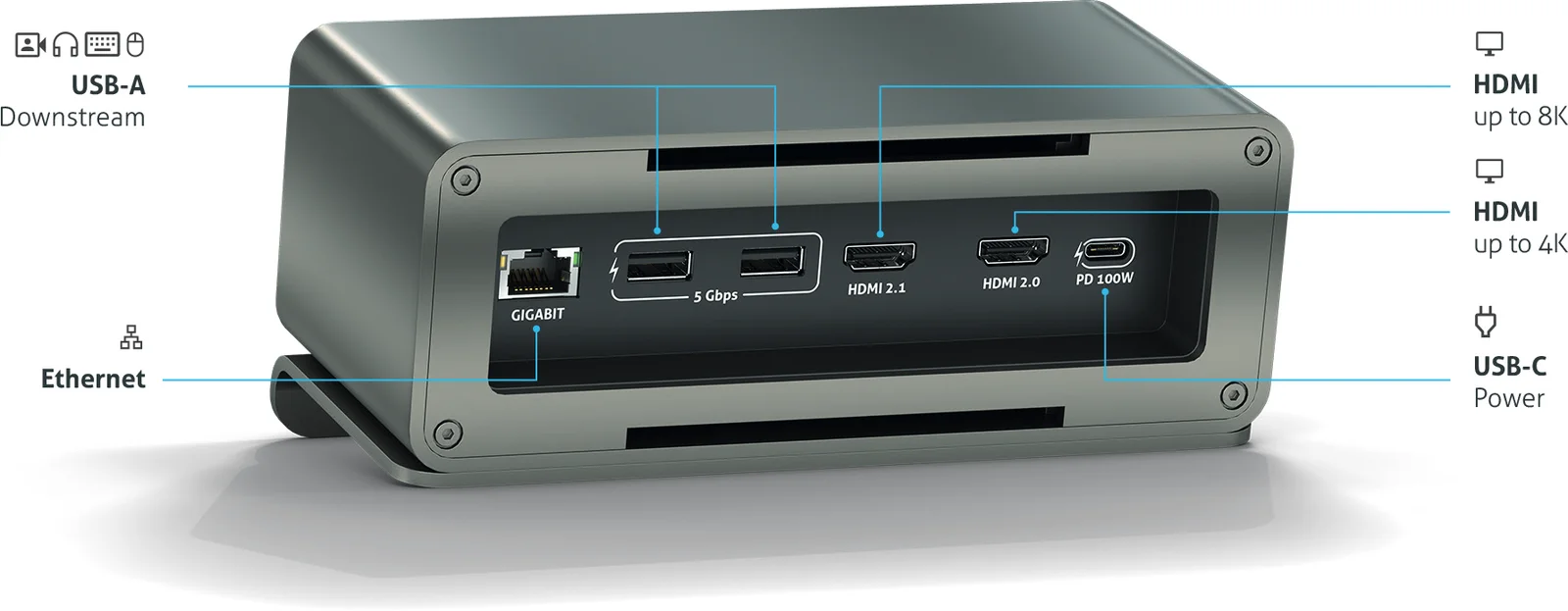
Rear view
The rear side is designed for devices that are permanently connected, such as monitors, USB dongle, camera etc.
Please connect all peripherals before connecting the USB-C PSU (sold separately).
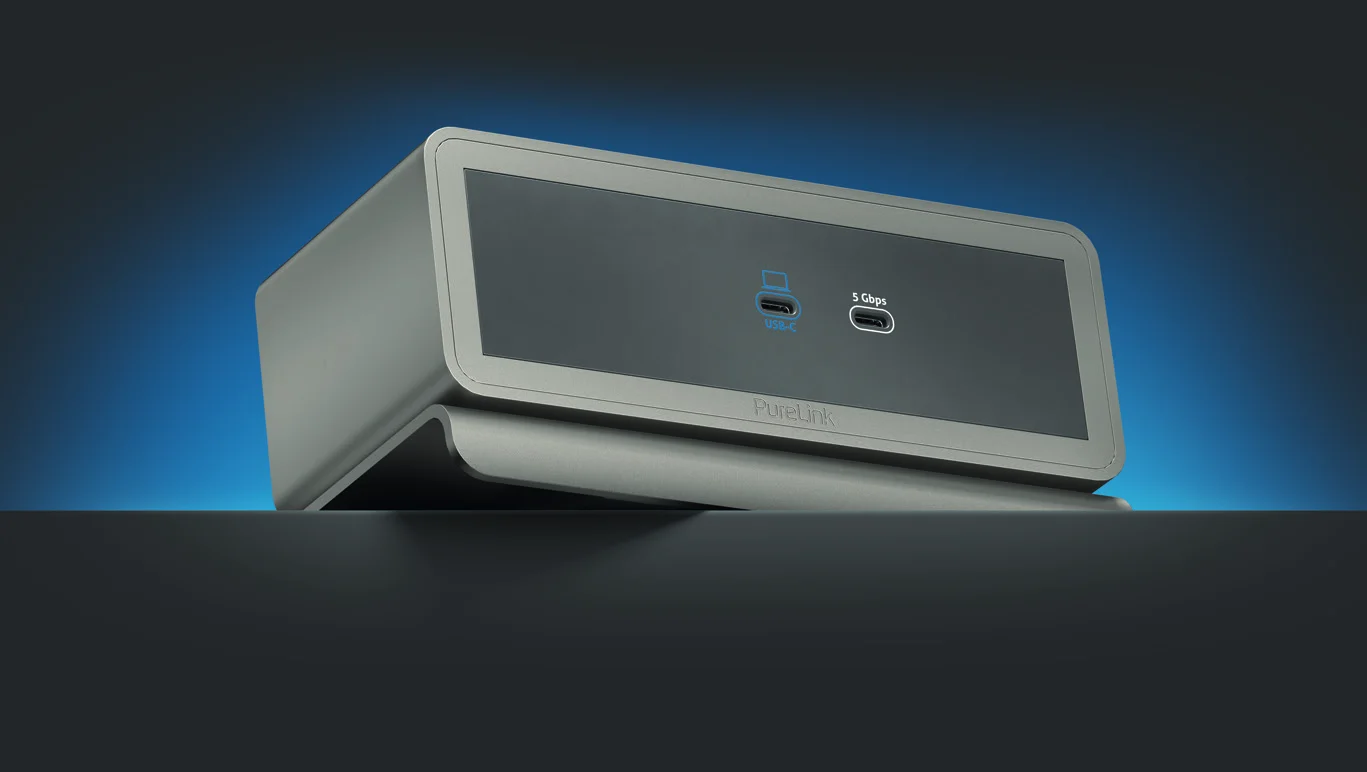
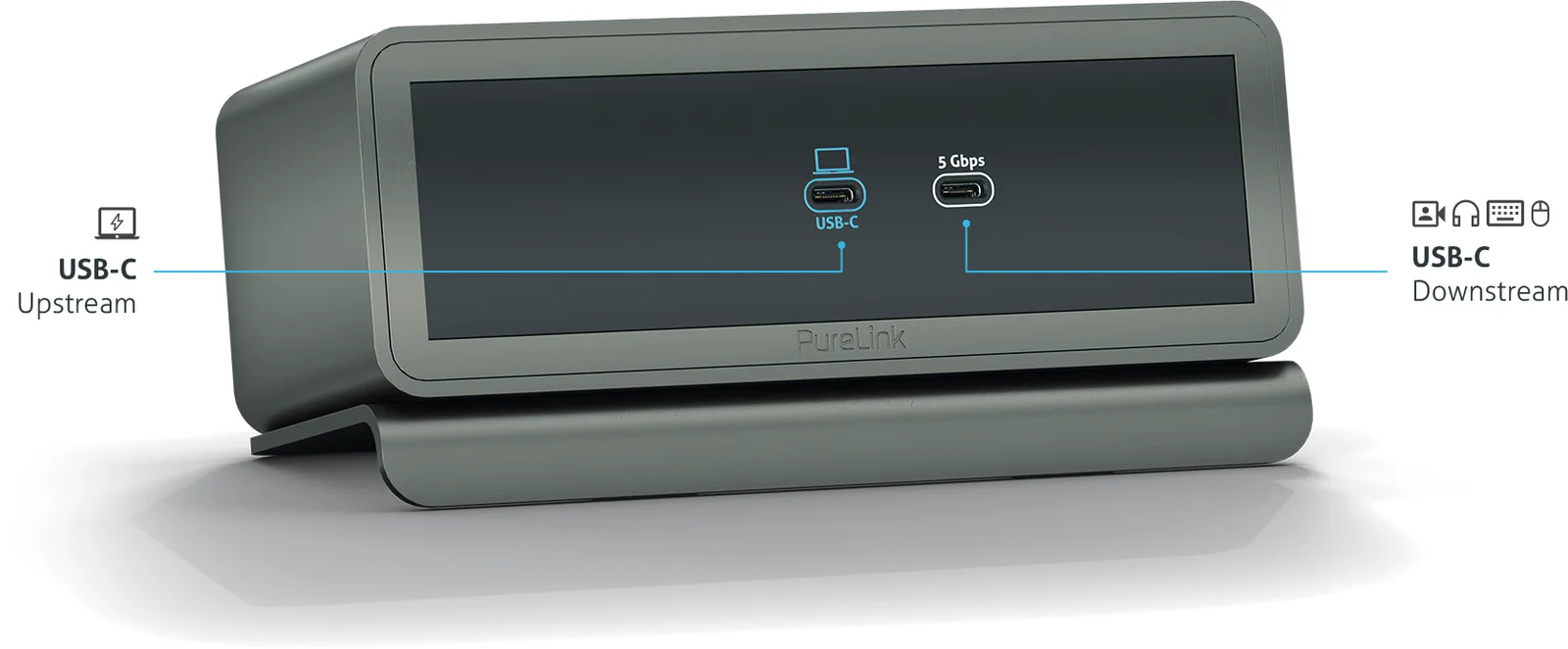
Front view
For simplicity, the front side of the docking module has only two ports, one for your laptop and one extra SuperSpeed USB-C user convenience port for headphones, USB sticks or even charging your phone etc.

PureLink UK LTD. | Carpenter Court | 1 Maple Road | Bramhall | Stockport | Cheshire SK7 2DH | United Kingdom / help.purelink.de
for more information about the product and support.
For support and additional information scan the QR code help.purelink.de
Legal & Compliance
Product identification
Models: 42 models, e.g. M2-ENC05-1810, M2-ENC05-1812, M2-ENC05-1820, M2-ENC05-1821, M2-ENC05-1822 … – manual version 1.0
Warranty and liability
The manufacturer grants the full statutory warranty on all new devices. As the manufacturer has no influence on installation, the warranty only applies to the product itself. If you detect a fault or damage, please contact your dealer and provide your sales slip or invoice as proof of purchase.
The manufacturer is not liable for damage to persons or property caused by improper installation, operation or maintenance not described in this manual. Do not alter or modify the product or its accessories. Any use other than described in this manual is not permitted and voids warranty and guarantee.
Trademarks and disclaimer
Product model and logo are trademarks. All other company and product names mentioned are trademarks of their respective owners. All rights reserved. No part of this publication may be copied or reproduced without prior written permission. We reserve the right to make changes to the device, packaging or manual and accept no liability for misprints.
Disposal of electrical and electronic equipment
Applies to: 38 products (device), e.g. M2-ENC05-1810, M2-ENC05-1812, M2-ENC05-1820 …
Only for products marked with the crossed-out wheelie bin on the product or packaging.
WEEE reg. no.: DE 93847290
The crossed-out wheelie bin symbol on the product, packaging or in this manual means that electrical and electronic equipment must not be disposed of with household waste at the end of its life. Hand in old devices free of charge at a public collection point or return them to a distributor obliged to take them back. Remove batteries and lamps that can be removed without destroying the device before handing it in, and delete any personal data stored on the device. Details are regulated by national law. By returning old devices you help protect the environment.
Packaging
Dispose of packaging separately by material (paper/cardboard, plastics) via the local collection systems. Keep packaging material away from children – risk of suffocation. Packaging register LUCID: DE5958616449295.